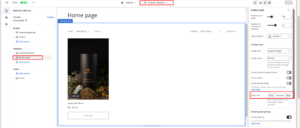

To configure the app settings, navigate to the app dashboard and open the Preorder Module. Here, you will find a variety of settings that allow you to customize how the preorder button is displayed. You can modify the button’s appearance, style, and name. Additionally, you can choose to show or hide the “Powered by” button, shipping details, and the availability of units for specific products.
To ensure the preorder button is displayed, please verify that the “Continue Selling” option is enabled for out-of-stock products. This setting is crucial for showing the preorder button for those products.
Please confirm that the “Quick Add” option is enabled for the collection page. You can refer to the following screenshot for guidance: Please review the Screenshot Link once.